

Beskrywing
Carousel is a lightweight, responsive, and developer-friendly WordPress carousel plugin built to create high-converting image sliders, blog post carousels, video showcases, and WooCommerce product galleries.
Re-engineered from the ground up in version 2.0.0, Carousel utilizes modern PHP architecture to deliver maximum performance, optimized CSS/JS enqueuing, and zero Cumulative Layout Shift (CLS). Whether you are building a simple brand logo carousel, a portfolio showcase, or a dynamic blog post slider, Carousel gives you full control over layout, responsiveness, and autoplay settings without slowing down your website.
🚀 Key Free Features
- Unlimited Images & Slides: Add as many slides, images, and captions as you need—no artificial limits on the free version.
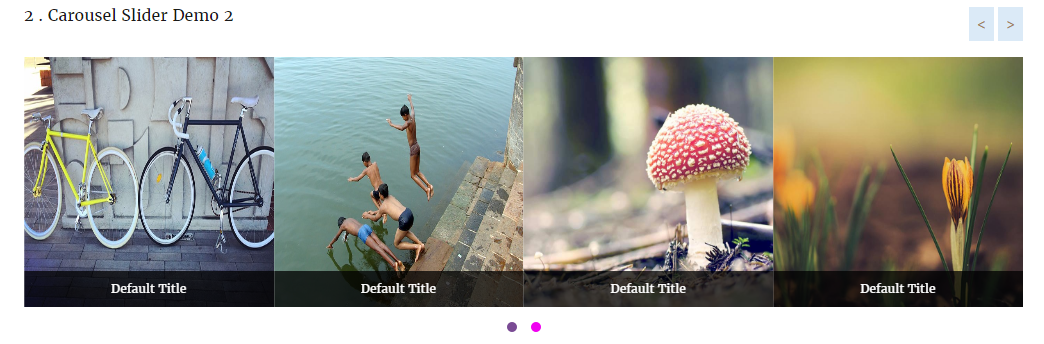
- Custom Image Carousel: Easily create image sliders with drag-and-drop ordering, custom links, and lightbox previews.
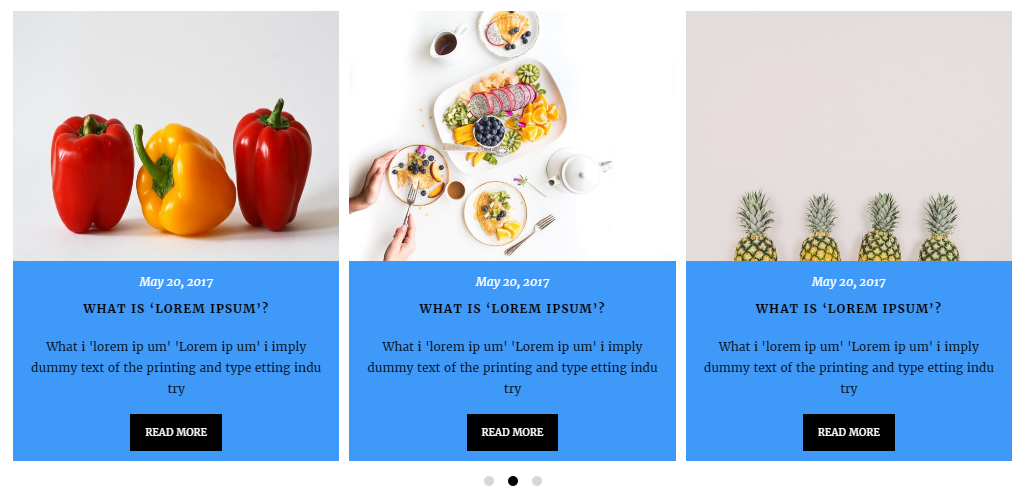
- Dynamic Post Slider: Display recent posts, filter by categories, and toggle post titles, dates, authors, excerpts, and “Read More” buttons.
- Video Carousel: Embed responsive YouTube, Vimeo, and self-hosted MP4 videos inside your sliders.
- WooCommerce Product Carousel: Display featured, top-rated, on-sale, or category-specific products with live “Add to Cart” buttons.
- Zero Cumulative Layout Shift (CLS): Pre-calculated aspect ratios keep your site layout stable during page loads.
- Smart Asset Loading: Enqueues scripts and stylesheets only when a carousel or shortcode is actively present on the page.
- Full Responsive Breakpoints: Custom controls for columns and spacing across Desktop, Tablet, and Mobile devices.
- Page Builder Ready: Seamlessly works with Gutenberg blocks, Elementor, Divi, Beaver Builder, and classic shortcodes.
- Touch & Drag Enabled: Smooth touch-swipe navigation optimized for mobile devices and tablets.
- Customizable Controls: Toggle autoplay, autoplay speed, hover pause, infinite loop, navigation arrows, pagination dots, and slide transition effects.
💎 Pro Features
Upgrade to Carousel Pro to unlock advanced layouts, multimedia support, and dynamic ecommerce integrations:
* Standard Grid & Masonry Layouts: Switch seamlessly between smooth sliders, structured grids, and fluid masonry layouts.
* Content Overlay Design Style: Display title, meta, and button content as modern hover overlays on top of images.
Screenshots


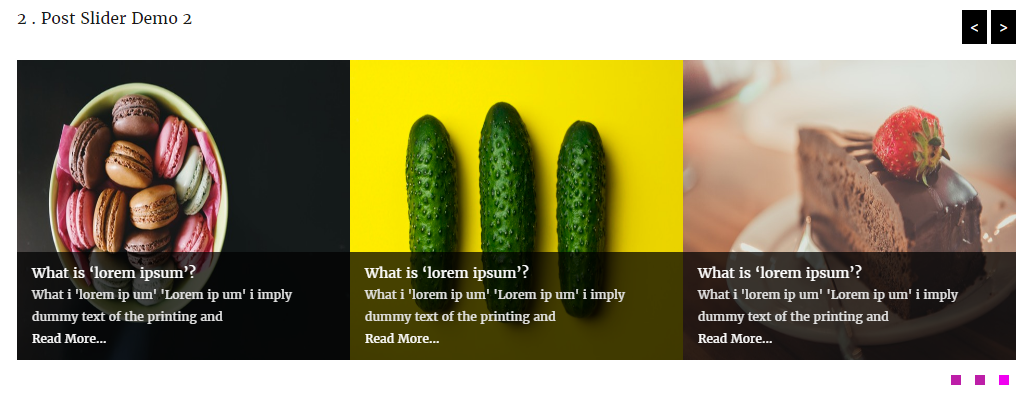
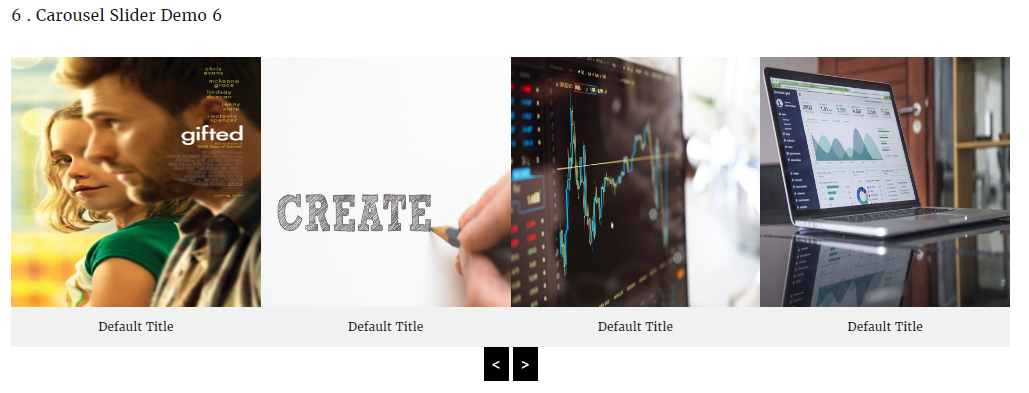
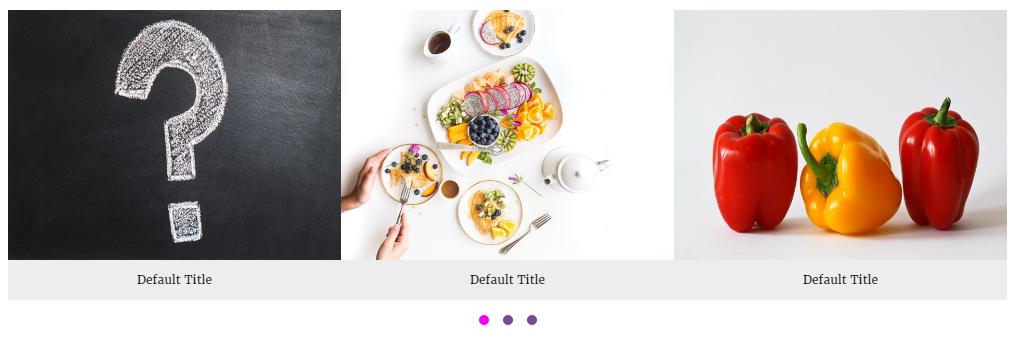
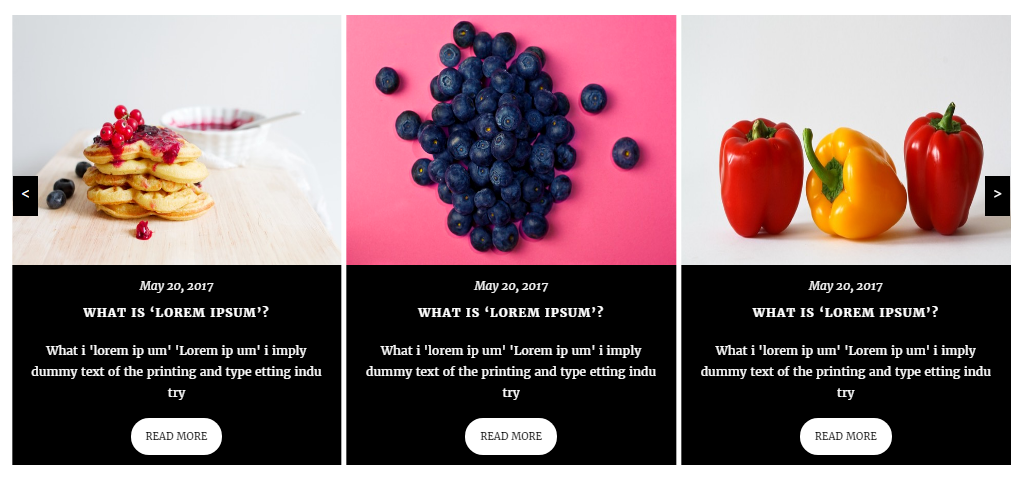
Installation
- Log into your WordPress Dashboard.
- Go to Plugins > Add New.
- Search for Carousel.
- Click Install Now and activate the plugin.
- Navigate to Carousel > Add New in your sidebar to create your first slider!
- Copy the generated shortcode and paste it into any post, page, widget, or page builder element.
Kwel-vrae
-
Is Carousel responsive?
-
Yes! You can specify exact column counts and spacing for Desktop, Tablet, and Mobile devices individually.
-
Can I use Carousel with Elementor or Gutenberg?
-
Absolutely. Carousel provides shortcode compatibility across all major page builders, as well as native integration components.
-
Does the free version limit how many images I can upload?
-
No. The free version allows unlimited images, slides, and post sliders.
-
How do I upgrade to Pro?
-
You can upgrade directly from your WordPress admin dashboard under Carousel > Account or via our official website.
Aanbevelings


Contributors & Developers
“Carousel – Image Carousel, Post Slider, Product & Video Gallery” is oopbron sagteware. Die volgende mense het bygedra tot die ontwikkeling van hierdie uitbreiding:
Contributors
Translate “Carousel – Image Carousel, Post Slider, Product & Video Gallery” into your language.
Interested in development?
Browse the code, check out the SVN repository, or subscribe to the development log by RSS.
Changelog
2.0.0 – September 30, 2026
- Major Release: Complete codebase rewrite using modern PHP OOP architecture.
- Performance: Introduced conditional frontend asset loading (scripts load only when shortcode/block is present).
- UX Fix: Added CSS aspect-ratio placeholders to eliminate Cumulative Layout Shift (CLS).
- Feature: Refactored metabox settings UI with visual option selectors.
- Feature: Added Video, WooCommerce Products, Grid, and Overlay layouts.
- Fix: Resolved jQuery dependency conflicts and improved script initialization on dynamic page loads.
- Security: Hardened shortcode output sanitization and metabox nonce validation.
1.8
Release Date – 03 Jan, 2018
* Fix Color Picker Issues.
* Update Css File.
1.7
Release Date – 24 Sep, 2017
* Update Option Page.
* Update Css File.
* Added New Options.
* Added New Options Page.
* Remove Old Options page.
* Change Admin Interface.
1.6
- Update Option Page.
1.5
Release Date – 23 May, 2017
* Fix loading unnecessary fonts Issues
1.4
Release Date – 14 Feb, 2017
- Added Shortcode generation option.
- Added new themes.
- Auto play Enable/Disable option.
- Auto play Stop On Hover option.
- Enable/Disable Pagination option.
- Enable/Disable Navigation option.
- Align Pagination ( left, center, right).
- Multiple post query.
- Display Carousel/post By Multiple Category.
- Carousel Post Excerpt Length.
- Carousel from post with Read More.
- Enable/Disable Read More Option.
- Show/Hide Carousel or Post title option.
- Carousel / Post Title Font Size option.
- Carousel / Post Title Text Align option.
- Carousel / Post Title Color option.
- And many more option.
1.3
Release Date – 03 Jan, 2017
- Update Post Columns Filter
1.2
- Added New Post type called “Carousel Free”
- Fix Multiple Carousel in same page/post or widget.
- Added Post into carousel option.
- Added Internal or External Link Option.
- Added Slider option.
- Added Category Option for display Multiple carousel by ID.
- Fix Some Css Issues.
- Update Visual Tinymce Editor.
- Added New Option In Tinymce Editor.
- Change Tinymce Icons.
1.1
- Check latest version compatibility
1.1
- Fix shortcode issues
- Update Option Page
- Fix css issues
1.0
- Initial release