

Beskrywing
Season Spark loads tasteful front-end particle effects and lightweight visual overlays. The plugin’s implementation and admin UI provide the following behavior and options (exactly as implemented in the plugin):
- Included effects:
christmas(snow/twinkles),halloween(ghosts/pumpkins + fog overlay),valentines(hearts + confetti),newyear(occasional fireworks bursts),easter(eggs & bunnies, occasional large egg drop),thanksgiving(falling leaves + occasional turkey popup),independence(fireworks + occasional flag/spark bursts),diwali(lights/diya sparkles + occasional diya popup),hanukkah(menorah sparkles + occasional menorah popup), andgeneric(custom graphics: rain/stars/bubbles or an uploaded background). - Per-effect configuration:
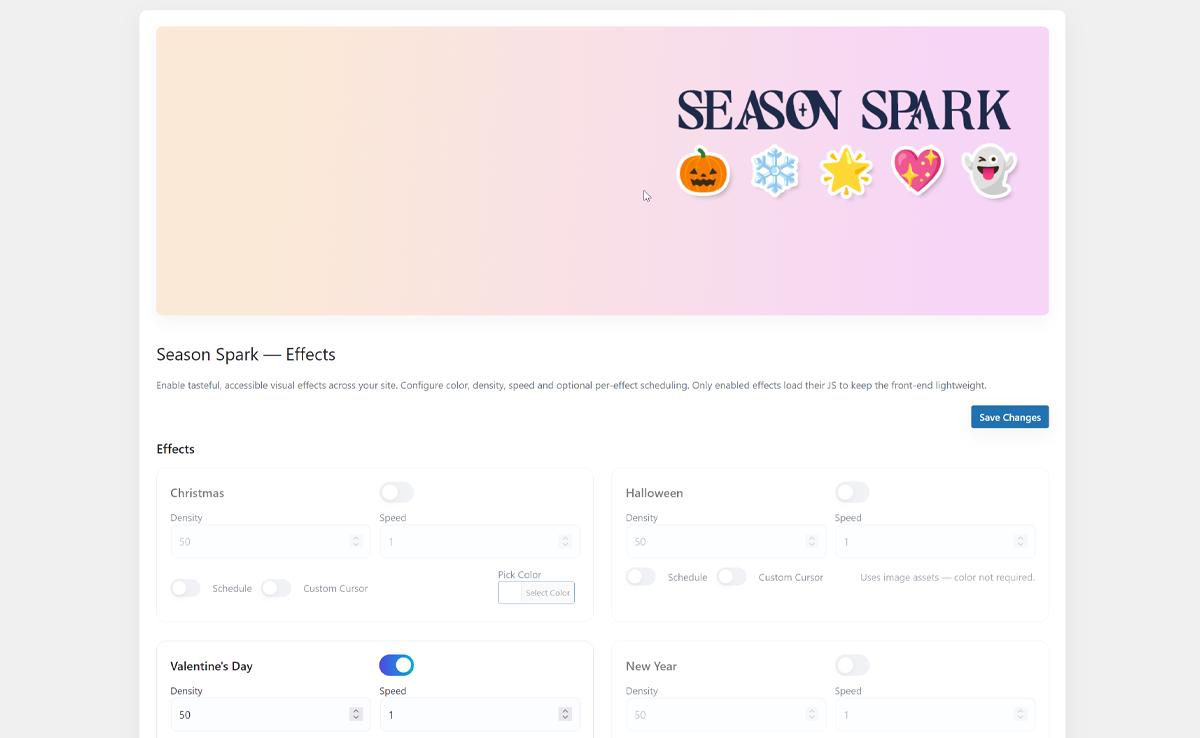
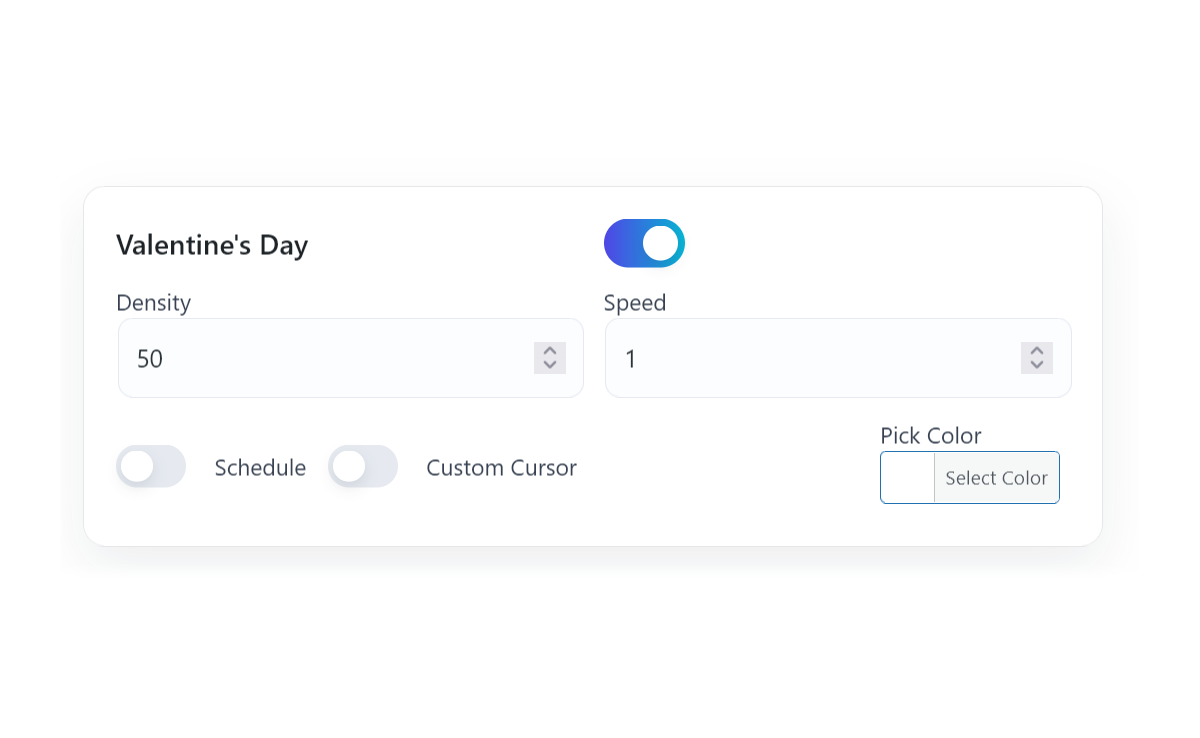
enabled, optionalschedulewithstart/enddates,density,speed, andcolorfor effects that use color (the admin shows color pickers only for effects that accept color). - Custom Graphics support: the
genericeffect can use an uploaded background (custom_bg) and an uploaded custom cursor image (custom_cursor_image). Whencustom_bgis set the plugin creates a lightweight animated background element instead of particles. - Custom Cursor support: when a per-effect
custom_cursoris enabled the front-end will attempt to use a providedcustom_cursor_imageor bundled SVG image as an overlay cursor (implemented by the public JS initializer). - Accessibility: the plugin respects the user’s
prefers-reduced-motionsetting, supports a site-levelmotion_reducedadmin toggle, and prints a small per-user motion toggle (stored inlocalStorage). When reduced motion is active, visual initialization is skipped. - Performance: only enabled effects have their per-effect JS files enqueued; the plugin localizes
seasonSparkSettingsandseasonSparkImagesfor front-end initialization and ships thetsparticlesbundle underassets/vendor/tsparticles/.
Admin and developer features (as implemented):
- Admin pages: top-level “Season Spark” menu with the subpages
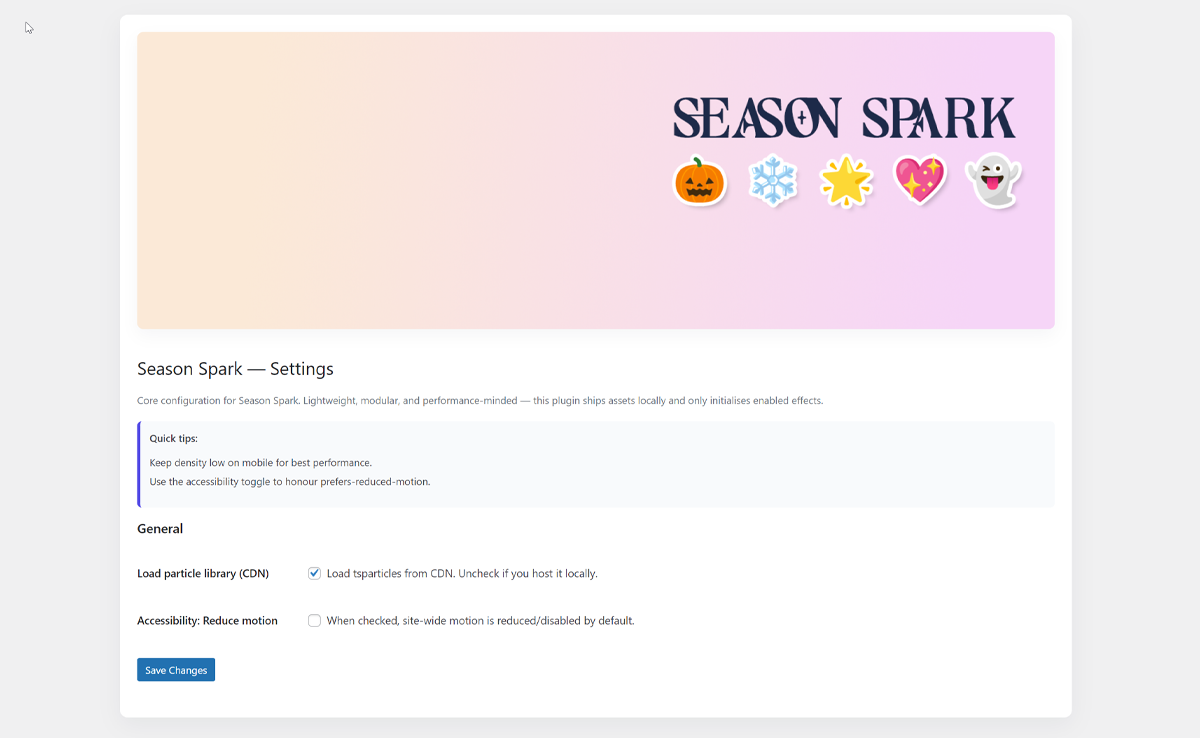
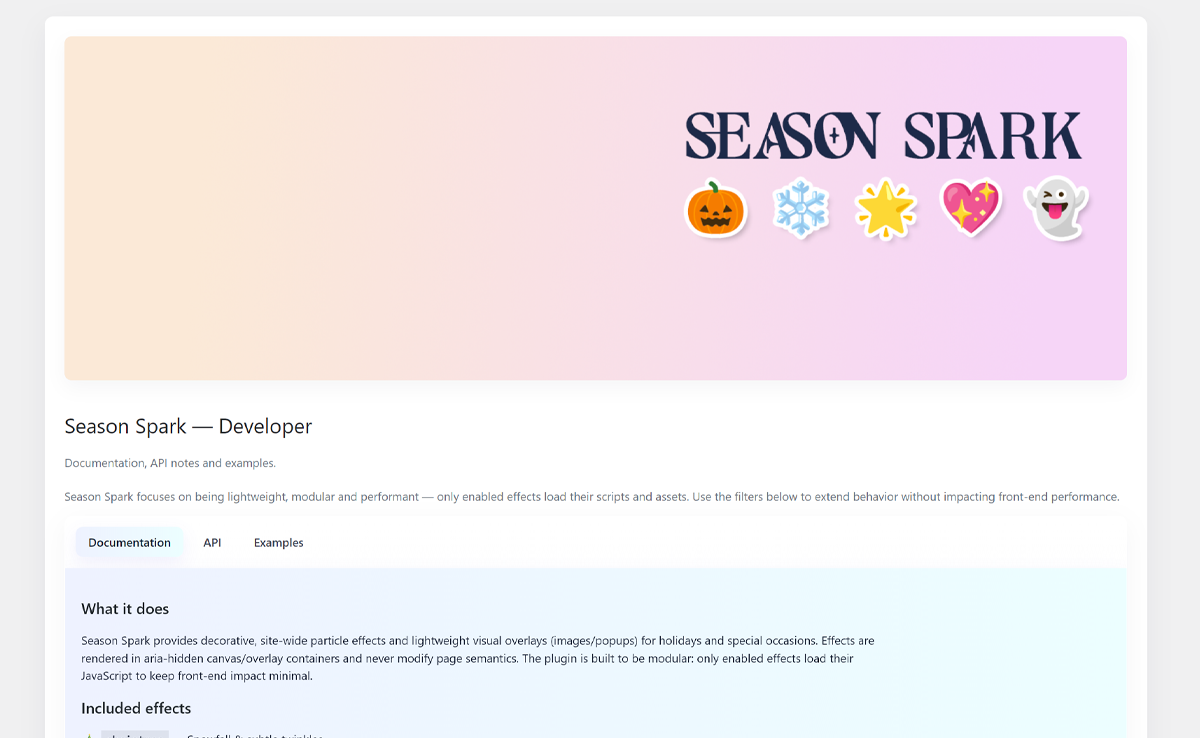
Effects,Settings, andFor Devs. - Settings: global toggles (load particle library, reduce motion) and default density/speed values; the Effects page exposes per-effect controls, schedule toggles, density/speed inputs, color pickers for color effects, and WP Media-based selectors for custom background/cursor on the
genericeffect. - Developer filters present in the code:
seasonspark_get_registered_effects(modify the list of effects),seasonspark_settings_for_js(filter settings passed to front-end JS), andseasonspark_images_for_js(filter the image mapping sent to JS).
Notes:
- Default activation: by default only the
valentineseffect is enabled on activation. - Assets: effect scripts, images and styles are bundled under
assets/; the plugin enqueues only enabled effect scripts to keep the front-end lightweight.
Screenshots
Installation
- Upload the
season-sparkfolder to the/wp-content/plugins/directory. - Activate the plugin through the ‘Plugins’ screen in WordPress.
- Configure the plugin under the Season Spark menu in the admin sidebar.
Kwel-vrae
-
Will these effects affect my SEO?
-
No. Effects are decorative, output in aria-hidden containers, and rendered on canvas or as non-semantic visual overlays; they do not alter semantic page content.
-
How can I add a new effect?
-
Use the
seasonspark_get_registered_effectsfilter to add a new key/title pair, and add a corresponding JS file underassets/js/effects/that callsseasonSparkRegisterEffect('yourkey', fn)to register an initializer for that effect.
Aanbevelings
There are no reviews for this plugin.
Contributors & Developers
“Season Spark” is oopbron sagteware. Die volgende mense het bygedra tot die ontwikkeling van hierdie uitbreiding:
Contributors
Translate “Season Spark” into your language.
Interested in development?
Browse the code, check out the SVN repository, or subscribe to the development log by RSS.
Changelog
1.0.0
- Initial release — core effects, admin UI, per-effect options and accessibility-aware front-end initialization.